Linux General Issues
Setting Up Any Desk
How to Install Any Desk on Unbuntu
Change to root:
sudo -i
Step 1. Add Anydesk repository key to the Trusted software providers list.
wget -qO - https://keys.anydesk.com/repos/DEB-GPG-KEY | apt-key add -
Step 2. Now add the repository to the sources list.
Below command will put the repository entry in a new file under /etc/apt/sources.list.d/ directory.
* Execute as single command
echo "deb http://deb.anydesk.com/ all main" > /etc/apt/sources.list.d/anydesk-stable.list
Step 3. Update the apt cache by running below command.
apt update
Step 4. Now install the software. This command will download and install Anydesk from repository along with dependencies.
apt install anydesk
Issues
After installing AnyDesk, the following error is presented:
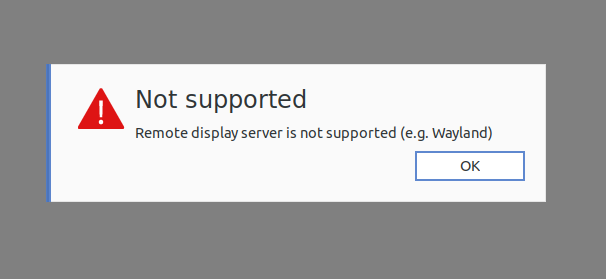
To fix the problem, we have to edit a file.
sudo gedit /etc/gdm3/custom.conf
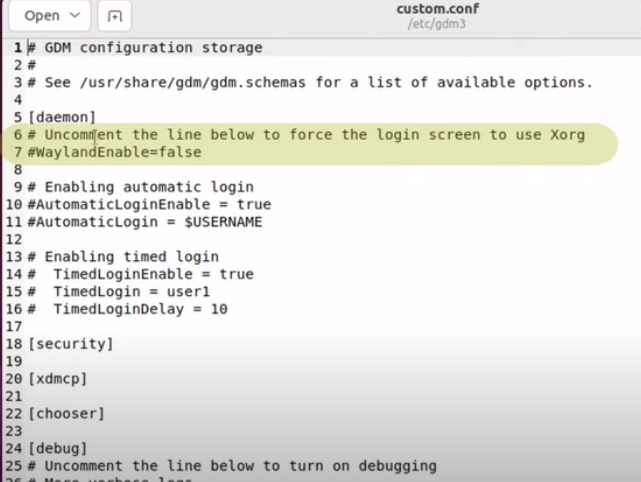
- Uncomment line 7 "WaylandEnable=false"
- Uncomment line 10 "AutomaticLoginEnable = true"
- Uncomment line 11 "AutomaticLogin = $USERNAME" (note change to $USERNAME if a different value was there)
Then re-boot the Linux machine.
Auto Upgrade Produced White Screen
Issue
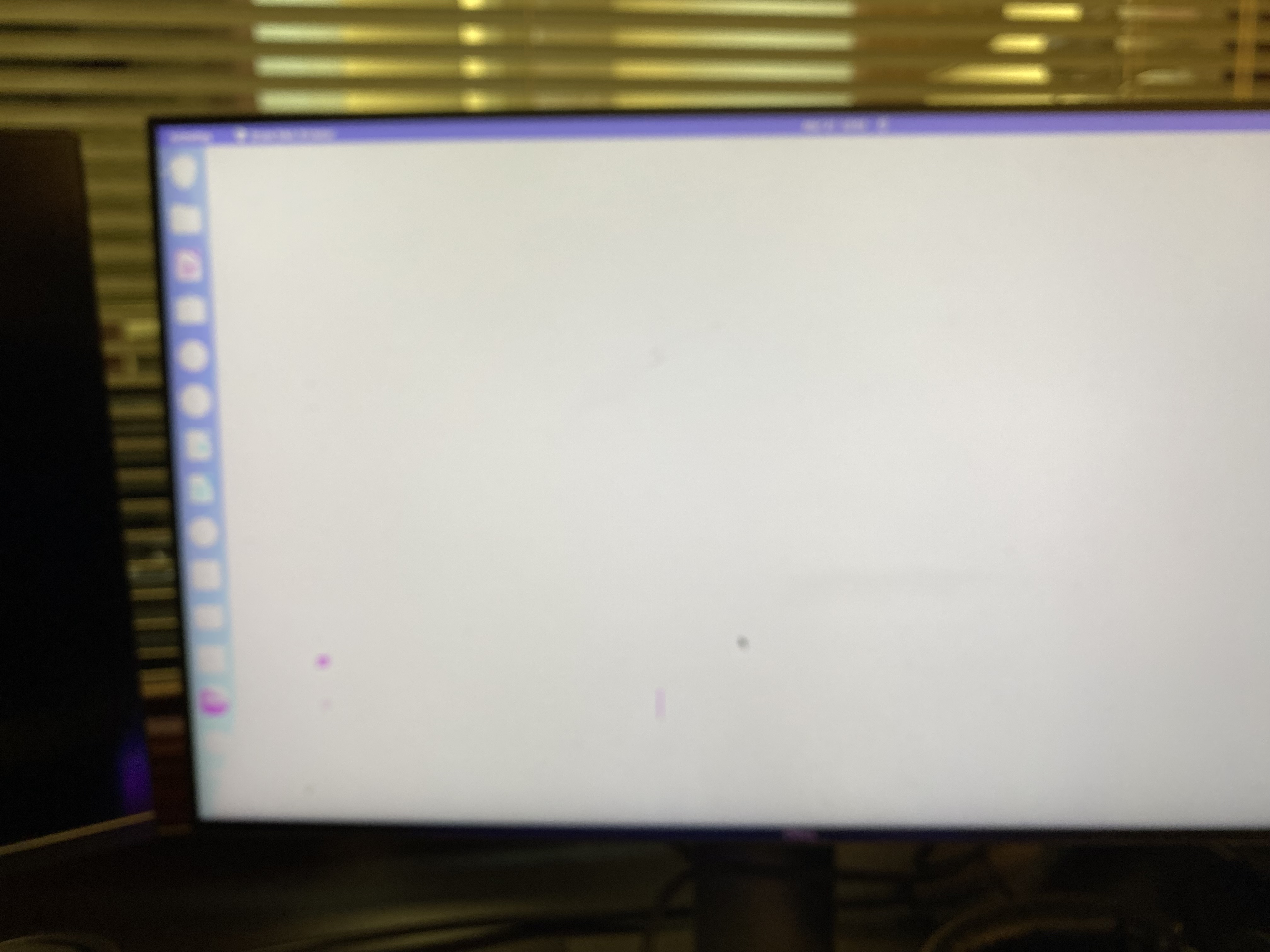
Victoria's computer was restarted and updates took place automatically. When restarting there was a white screen and so little contrast that the computer was unusable.
Resolution
Graphics card needed a specific driver, not the generic driver that was in the auto-upgrade file.
Steps taken
Pressing the right shift button repeatedly brought me into the grub menu, I could select to start in recovery mode. Launching the older version of Ubuntu produces a normal contrast screen but it was stretched and could not be fixed using the display settings (locked/non responsive).
I rebooted and next time selected the newer operating system in recovery mode.
In recovery mode, I selected package repair, then grub menu then proceeded.
Screen was stretched and unable to fix with resolution.
Under Settings/about/software updates/ additional drivers, I selected a proprietary graphics driver, then re-started. All was normal.