
Auto Upgrade Produced White Screen
Issue
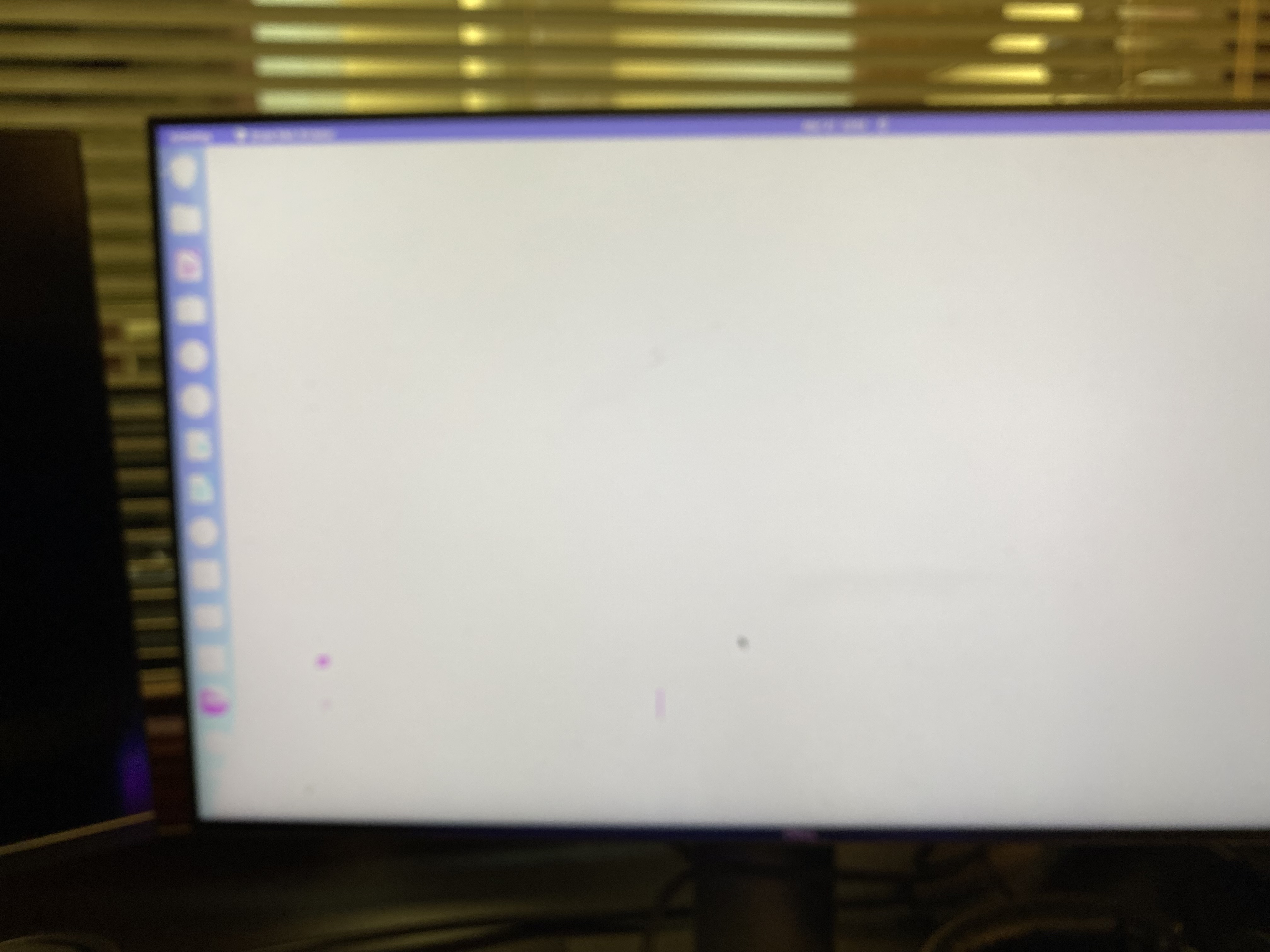
Victoria's computer was restarted and updates took place automatically. When restarting there was a white screen and so little contrast that the computer was unusable.
Resolution
Graphics card needed a specific driver, not the generic driver that was in the auto-upgrade file.
Steps taken
Pressing the right shift button repeatedly brought me into the grub menu, I could select to start in recovery mode. Launching the older version of Ubuntu produces a normal contrast screen but it was stretched and could not be fixed using the display settings (locked/non responsive).
I rebooted and next time selected the newer operating system in recovery mode.
In recovery mode, I selected package repair, then grub menu then proceeded.
Screen was stretched and unable to fix with resolution.
Under Settings/about/software updates/ additional drivers, I selected a proprietary graphics driver, then re-started. All was normal.
No Comments